What should a freelancer do when a client says the invoice was never received?
It is the most common excuse for a late payment, and sometimes it is true. Here is how to verify delivery, resend without friction, and stop the problem from recurring.
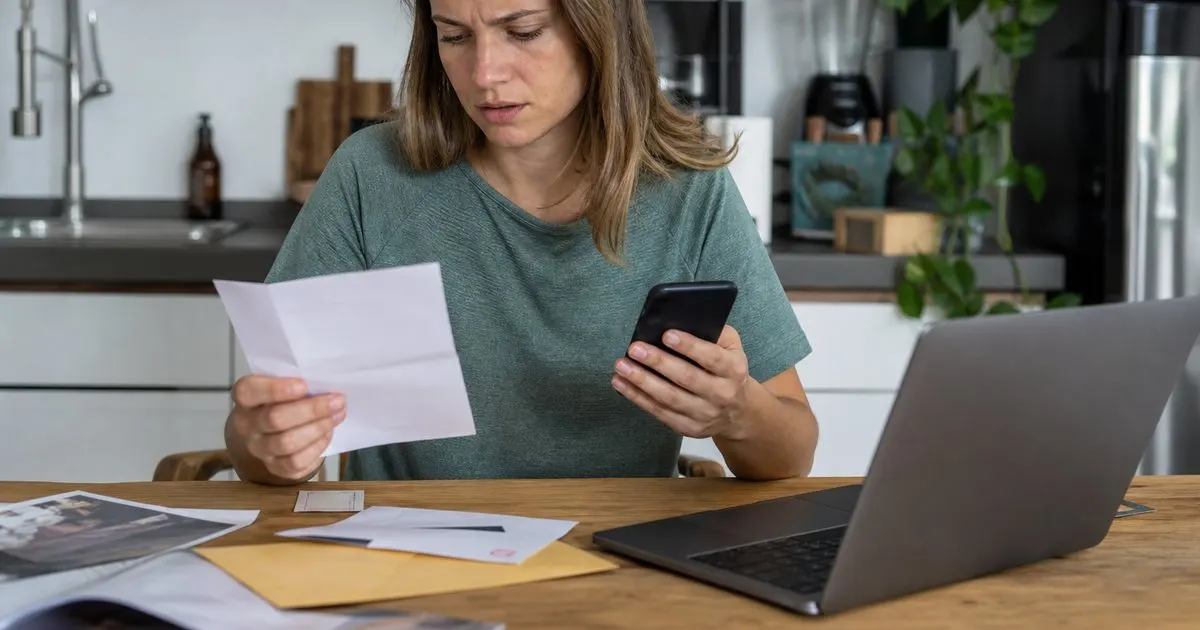
Treat it as a delivery problem first, not a lie
The reflex is to assume the client is stalling. Sometimes they are, but the more useful assumption is that something in the delivery chain failed, because that is the version you can actually fix. Invoices get caught in spam filters, routed to a shared mailbox nobody checks, sent to a contact who changed roles, or buried under a project thread with forty replies. None of those are your fault, and none of them are the client's fault either, but all of them make you look disorganized if you argue instead of resend.
Respond the same day with a short, neutral message: here is the invoice again, attached and linked, here is the due date, and here is where to send payment. Do not relitigate whether they received it. Add one sentence that quietly establishes the record: "It was originally sent on August 12 to this address." That protects you if the same excuse appears next month, without sounding accusatory today. Related: How to Ask for a Deposit Without Losing the Client
Keep reading: Why Clients Pay Late, and What Actually Helps, How to Write a Payment Reminder That Gets Paid, Not Ignored, Payment Terms That Protect a Freelancer. See how InvoiceNudgr helps you automatic invoice reminders for freelancers.
How to check what actually happened
Before you resend, look at your own trail. Which address did you send to, and is it still the right one? Did you send from a personal mail account with an attachment, which spam filters treat with more suspicion than a plain message? If you use an invoicing or reminder tool, check whether it logged a delivery or an open event; those logs are not proof, but they tell you whether the message left your system at all.
Then ask the client one specific question rather than a general one: "Which address should invoices go to, and is there an accounts payable inbox I should copy?" Many companies want invoices sent to a dedicated AP address, and a freelancer emailing only the project manager is, in their process, not submitting an invoice at all. That is a fixable mismatch, and finding it out now saves every future invoice. Related: The Follow Up Cadence That Gets Invoices Paid
Resending without resetting the clock
A common trap is to resend the invoice with a new date, which effectively gives the client a fresh payment window. Keep the original invoice number and date, and state the original due date in the email. If your terms include late fees, the original date is what the fee is calculated from, and changing it undercuts your own terms. The one exception is when the client's AP system requires the invoice date to be the date received; if so, confirm it in writing and adjust knowingly. Related: Why Clients Pay Late, and What Actually Helps
Send the resend with a tracked link if you have one, copy the AP address, and ask for a quick acknowledgment: "Could you confirm this one made it through?" Acknowledgment is the thing you want, because it converts "never received" into "received on this date," which is the starting point for every reminder after that.
Making sure it does not happen again
The permanent fix is a documented invoice delivery path per client: the addresses that receive invoices, the contact who approves them, and the format they need (PDF attached, portal upload, or both). Confirm that path at the start of each engagement and again whenever your contact changes. If a client uses a vendor portal, submit there and email a copy; the portal is the record they trust.
Automate the follow-up so a silent invoice is noticed early. A reminder that goes out a few days before the due date, asking simply whether the invoice is scheduled, surfaces a lost invoice while there is still time to pay on time. This is the part InvoiceNudgr was built for, but any consistent system works. The point is that "never received" should be discovered on day three, not on day thirty-five. Related: How to Write a Payment Reminder That Gets Paid, Not Ignored
- Assume a delivery failure first, because that is the version you can fix quickly.
- Resend the same day, keep the original invoice number and date, and copy the AP inbox.
- Ask for an acknowledgment so the record shows when the invoice was received.
- Document each client's invoice delivery path and send a pre-due-date check so lost invoices surface early.

Julien Jimenez
Julien Jimenez is an independent software builder based in Paris. He designs, ships, and operates focused SaaS products for small businesses and independent professionals. Read the full author page.
Get paid without the awkward follow up
Automatic invoice reminders for freelancers. InvoiceNudgr is built to help you put this into practice.
Get paid fasterMore from the InvoiceNudgr blog
Why Clients Pay Late, and What Actually Helps

How to Write a Payment Reminder That Gets Paid, Not Ignored
Payment Terms That Protect a Freelancer
Get the InvoiceNudgr playbook
Practical guides on invoice reminders, straight to your inbox as we publish them. No spam, unsubscribe any time.